GitLab
Review merge requests, follow pipelines, approve deployments and handle incidents on gitlab.com or on your own GitLab server.
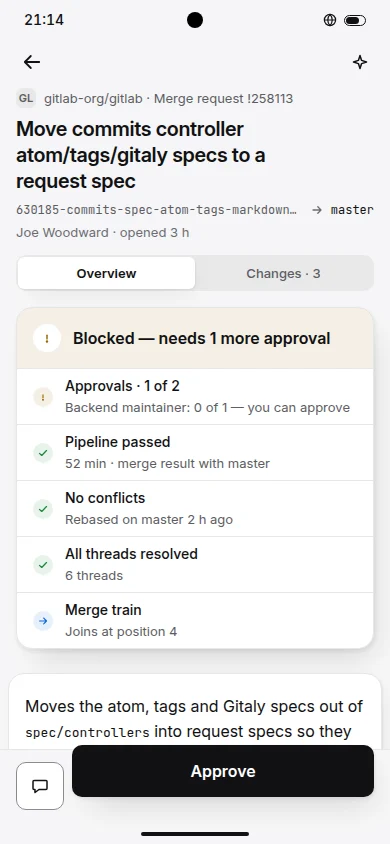
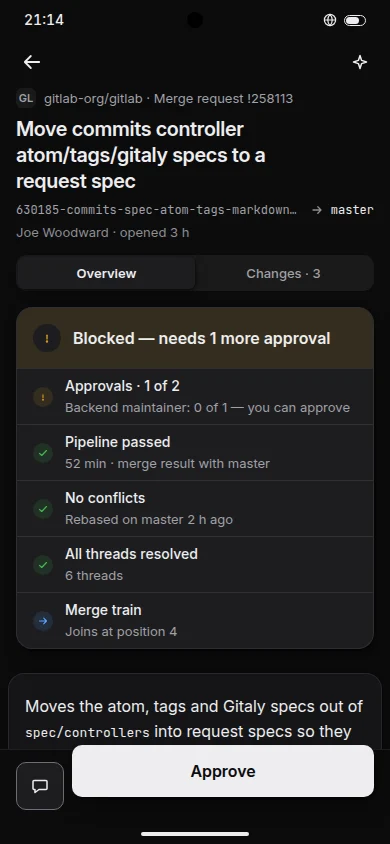
- Sign-in
- An access token with the scopes
apiandread_user. GitLab tokens need an expiry date. - Self-hosted
- Enter the server address. A private certificate authority installed on the phone is trusted.
- Vocabulary
- ReviewMerge requestRunPipeline
Support table
What works on GitLab
Nine features, with what works, what works partly and what this forge does not offer.
- 9 available
Set up in three steps
Sign in to GitLab with an access token- 1
On GitLab, open your Access tokens page and create a token with the scopes
apiandread_userand an expiry date. - 2
In Repotray open Accounts, Add account, GitLab. For a self-hosted server, enter its address.
- 3
Paste the token. It is stored in the phone's secure storage.