Gitea / Forgejo / Codeberg
Review pull requests and follow Actions runs on Codeberg or on your own Gitea / Forgejo server.
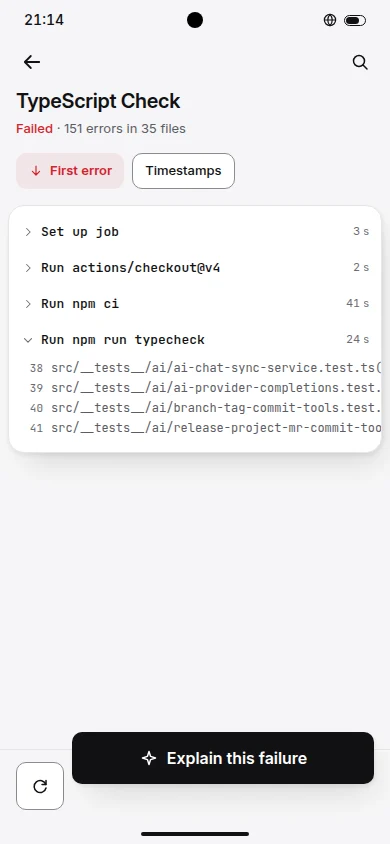
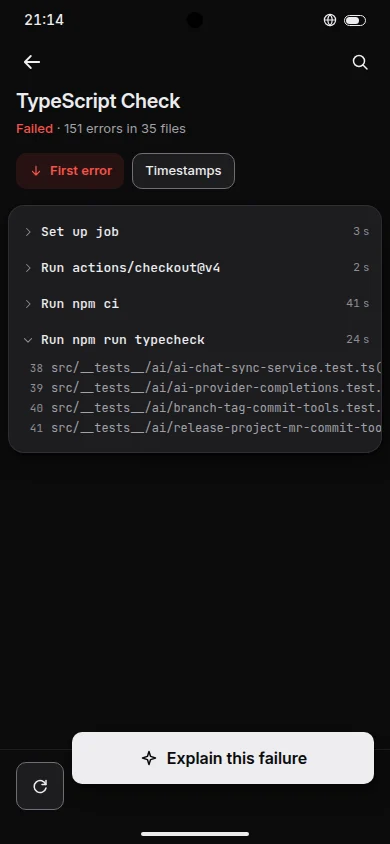
- Sign-in
- An access token, on Codeberg or your own server.
- Self-hosted
- Enter the server address. A private certificate authority installed on the phone is trusted.
- Vocabulary
- ReviewPull requestRunWorkflow run
Support table
What works on Gitea / Forgejo / Codeberg
Nine features, with what works, what works partly and what this forge does not offer.
- 5 available
- 2 partly
- 2 not offered
- Not offered
- Partly
Without the alert and incident steps.
- Partly
Wiki pages to read; no snippets on this forge.
- Available
Set up in three steps
Sign-in guides in the docs- 1
On Codeberg, Gitea or Forgejo, open Settings, Applications, and create an access token.
- 2
In Repotray open Accounts, Add account, Gitea / Forgejo / Codeberg, and enter the server address.
- 3
Paste the token. It is stored in the phone's secure storage.